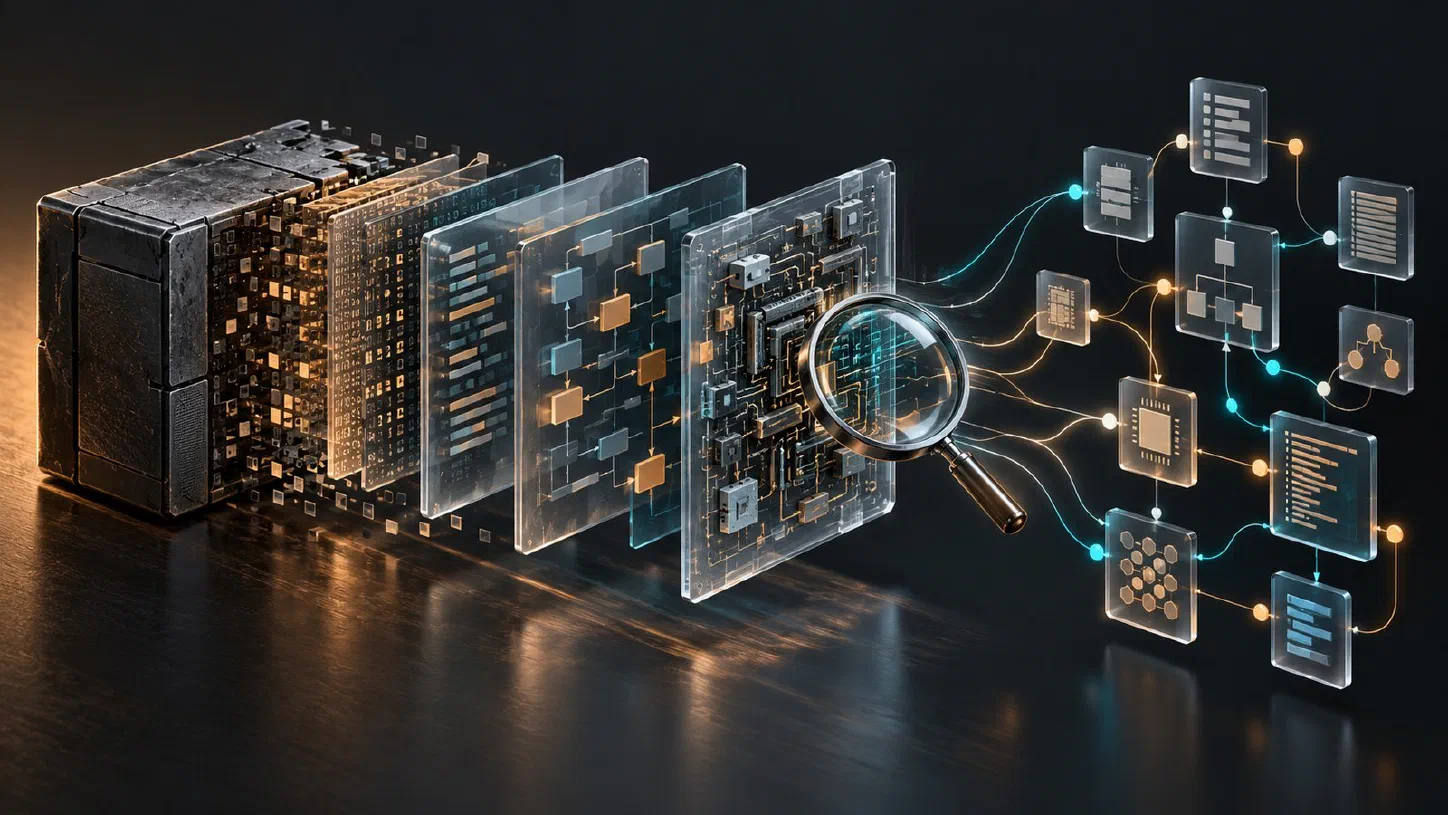
Reverse Engineer Anything (REA) connects an AI coding agent to tools that inspect compiled software, packaged applications, and browser behavior. It exposes those tools through the Model Context Protocol (MCP) and a command-line interface. The useful output is an explanation supported by evidence: code locations, relationships, observations, and explicit gaps. It does not promise to recover a complete original source repository. Official project
I find the most useful question to ask about REA is specific: can it explain how one feature works well enough to inform an implementation or diagnose a change? This guide covers that workflow, the setup decisions, and how to read the results without mistaking a plausible explanation for a verified one.
You’ll learn:
- Where REA fits between a coding agent and analysis engines.
- Which application types need additional tools.
- How to set it up and diagnose a missing connection.
- How to scope an investigation and evaluate its evidence.
- What REA cannot establish from a local artifact alone.
Research note: Documentation and package metadata checked on October 17, 2026. This is a researched guide, not a hands-on benchmark. The setup commands below were checked against the documentation but were not executed for this article.
What is Reverse Engineer Anything?
REA is an analysis layer that gives an agent concrete ways to investigate software. The agent chooses a question, REA performs the relevant inspection, and the agent interprets the returned findings. A native-code investigation can use an installed decompiler; an Electron investigation can start from packaged JavaScript. The same project also exposes terminal workflows. REA overview
That division matters when judging results. The model writes the explanation, while the underlying tools supply the observations. A fluent answer still needs supporting locations and a clear statement of what was actually inspected.
If the protocol is new to you, my guide to building an MCP server in Python explains how an agent calls a server’s tools. REA is a concrete application of that architecture.
What can REA analyze?
Choose the analysis route from the artifact you have. A file extension alone is not enough to establish which implementation details are recoverable.
| Target | Useful findings | Main requirement or boundary |
|---|---|---|
| Native executable or library | Assembly, pseudocode, strings, functions, references | An appropriate native provider, such as Ghidra, Hopper, or IDA |
| JavaScript or Electron package | Modules, imports, routes, IPC relationships | Static analysis can work without a native decompiler |
| Managed .NET assembly | Metadata, CIL instructions, P/Invoke declarations | Static inspection does not execute the assembly |
| Browser page | DOM, script information, bounded network observations | A user-owned Chrome-family browser exposed through CDP |
| Android APK | Manifest, classes, decompiled methods, references | The documented JADX and JDK prerequisites |
These routes have different coverage. The native investigation guide, JavaScript workflow guide, managed-code reference, browser reference, and Android guide describe their boundaries.
For example, .NET metadata and CIL inspection does not imply that a NativeAOT executable can be treated as a normal managed assembly. Likewise, observing a browser’s requests can reveal client-visible behavior, but cannot reveal unshipped server implementation details.
How to install REA for a coding agent
Start with Node.js and npm. The October 14 release and package metadata checked for this article report REA 6.5.0, with supported Node versions 22.19+ within 22.x, 24.11+ within 24.x, or 26+. Check the published package metadata when installing; the latest release can change.
For a reproducible Codex setup, first preview the changes:
npx -y rea-agents@6.5.0 setup --client codex --dry-run --json
Then run the interactive setup:
npx -y rea-agents@6.5.0 setup --client codex
Review the proposed configuration and skill destinations, approve the changes you want, and restart the agent. The -y flag accepts npm’s package download prompt; it does not replace REA’s configuration approval. The installation guide explains backups and supported clients.
Installing the skill alone supplies instructions. It does not register the MCP server or make analysis engines available. If tools are missing, inspect the registration:
npx -y rea-agents@6.5.0 doctor --client codex --json
A healthy registration is not proof that the current agent session connected successfully. Restart or reconnect it, then check that the REA tools are available. The MCP contract distinguishes registration checks from live server identity.
Native providers are a separate decision. Setup can optionally help install Hopper with approval; other engines have their own prerequisites. Host support also varies by operation. On Linux, the documented JavaScript/Electron route requires a procps-compatible ps for process ownership checks. Follow the installation matrix for your chosen route. In particular, the documented Windows x64 Ghidra integration is experimental and read-only; Hopper setup targets supported macOS and Linux environments. Do not assume equivalent native workflows across operating systems. Windows Ghidra boundary
You can also use the CLI without registering an agent. Save complete JSON results when later commands need them: each CLI invocation is a separate process, whereas MCP can retain evidence for follow-ups within a connection. An evidence identifier from another connection is not a portable result. CLI and Evidence guide
A practical REA investigation workflow
I would start with one observable behavior and a clear stopping point. “Explain how this application exports a document” is easier to verify than an open-ended request to reconstruct everything.
1. Define the artifact and the question
Record the application version, the exact package or executable, and the feature you want to investigate. Keep findings from different builds separate. Write down what would count as a useful answer: perhaps the serialization format, the handler that receives an event, or the function that transforms a value.
For an already selected, authorized Electron package, an illustrative agent prompt is:
Use REA to investigate the clipboard feature in the selected local package. Trace the exposed API through preload and IPC to the main-process handler. Cite source locations, distinguish observations from inferences, and list unresolved steps. Produce an explanation before proposing an implementation.
This is a workflow example, not a report of an investigation performed here.
2. Follow one feature through the available evidence
For JavaScript applications, REA can trace relationships from seeds such as a module, API, string, or IPC channel. Follow those relationships and inspect the relevant code. A matching name is a useful starting point, not sufficient proof of behavior. The JavaScript workflow documentation describes how traces retain static observations, inferences, and unknowns.
The project’s Notion clipboard case study illustrates this approach. It connects a page-facing clipboard API through preload wrappers and an IPC channel to a main-process clipboard writer with a sender check. The published example names Notion Desktop 7.6.1, uses REA 4.1.0 for its focused analysis, and distinguishes package reading from saved module tests. It is the project’s demonstration, not a result I reproduced.
3. Separate observations, inferences, and unknowns
I would keep a short finding table while investigating:
| Finding category | Illustrative statement | What to do next |
|---|---|---|
| Observation | A handler is registered for a particular IPC channel | Preserve its exact source location |
| Inference | The handler appears to serve the copy command | Check the caller and argument flow |
| Unknown | A dynamically selected handler was not resolved | State the missing evidence explicitly |
REA’s result contracts preserve evidence identity and coverage information. An empty result under incomplete coverage cannot establish that a behavior is absent. That distinction is especially important when comparing versions. Evidence contracts
4. Verify behavior before relying on a reconstruction
A static path establishes relationships in inspected code. To claim what happens during an interaction, obtain suitable runtime evidence for that interaction.
Browser observation can collect bounded evidence from an existing page, including script and network metadata. Its passive observation surface is scoped to the selected page and observation window. A capture should not be presented as a complete history of the application. Browser observation guide
For a reconstruction, I would turn each supported behavior into an acceptance check: expected output for a known input, handling of malformed input, and important edge cases. Test the implementation against those checks. This is an engineering recommendation, not a claim that REA automatically verifies an entire rebuilt application.
Limitations that matter in real projects
Decompiled output is an interpretation of the shipped artifact. Native tools can expose instructions and pseudocode, but that does not recreate the original comments, project organization, or development history. Inspect the relevant functions and keep provider limitations attached to conclusions. Native analysis
Available tools depend on the installed release and environment. Repository main can describe work beyond a published package. Use the installed server’s tool schemas and availability information. Pinning a package version improves reproducibility; it does not guarantee that every current documentation example applies unchanged.
Local analysis does not mean every result stays on your machine. REA says target analysis runs locally, while the agent receives tool results. Your model provider’s data handling therefore still matters. Project FAQ
Scope controls investigation cost. I would expect repeated broad inspections to consume more time and agent context than focused follow-ups. Preserve useful results and pursue the gaps that affect your question. If you are designing that agent loop yourself, LangChain versus LangGraph covers the control-flow decisions behind branching and durable state.
When I would use REA
REA is useful when the answer depends on shipped behavior or an artifact whose original source is unavailable: investigating compatibility, understanding a legacy component, or explaining a change between builds. With a complete source repository, I would usually begin by reading the source and running its tests.
REA-authored code is MIT-licensed, but commercial analysis engines retain their own licensing requirements. The project describes authorized research, interoperability, and software preservation among its intended uses. Project license and guidance
For a first investigation, choose a small feature, identify the exact artifact, and ask for an evidence-backed explanation. The success criterion is a trace you can inspect and a conclusion whose limits you understand. That is a useful foundation for implementation work, even when some questions remain open.
Sources
- REA official repository and FAQ
- REA overview and guides
- REA 6.5.0 release
- CLI and Evidence guide
- Windows Ghidra boundary
- Published npm package metadata
- Installation and setup
- MCP runtime and Evidence contracts
- JavaScript application workflows
- Native binary investigation
- Managed-code analysis
- Browser observation
- Android analysis
- Notion clipboard case study